~/src/app$dc
Dev containers from your terminal.
dc up starts this folder. No config?dc try. No VS Code required.
A daily workspace hub for the terminal: favorites and recent folders, pinned actions, and session activity, built on the official Dev Containers CLI.
curl -fsSL https://raw.githubusercontent.com/Brasth/dc-cli/main/install.sh | bash -s -- --with-cli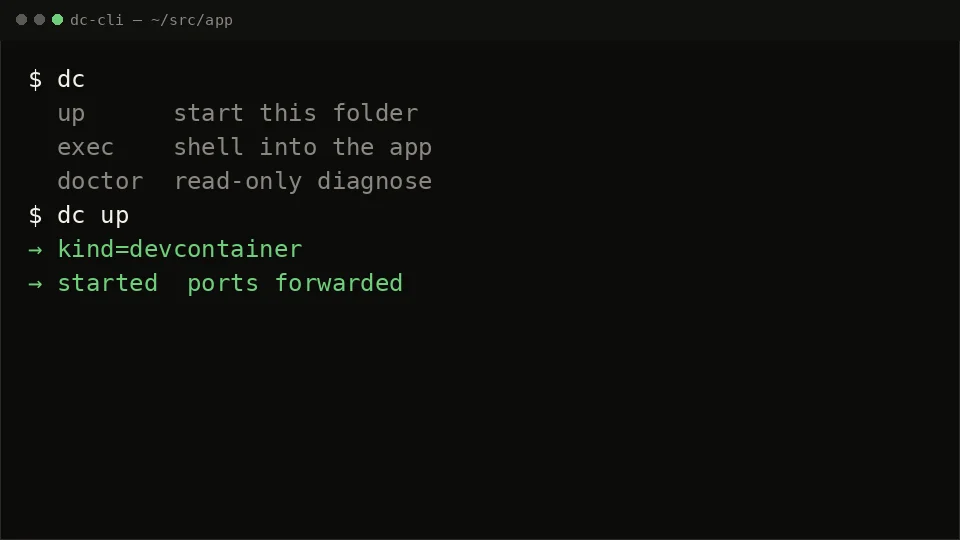
- wraps the official Dev Containers CLI
- never edits the project’s .devcontainer
- no VS Code required — any editor, or none
- runs on macOS and Linux · MIT
~/src/app$dc --help
Type dc. Then a verb.
The verbs you reach for every day, run from the folder you are already in. Hyphenated names likedc-up still work. Flags: dc --help.
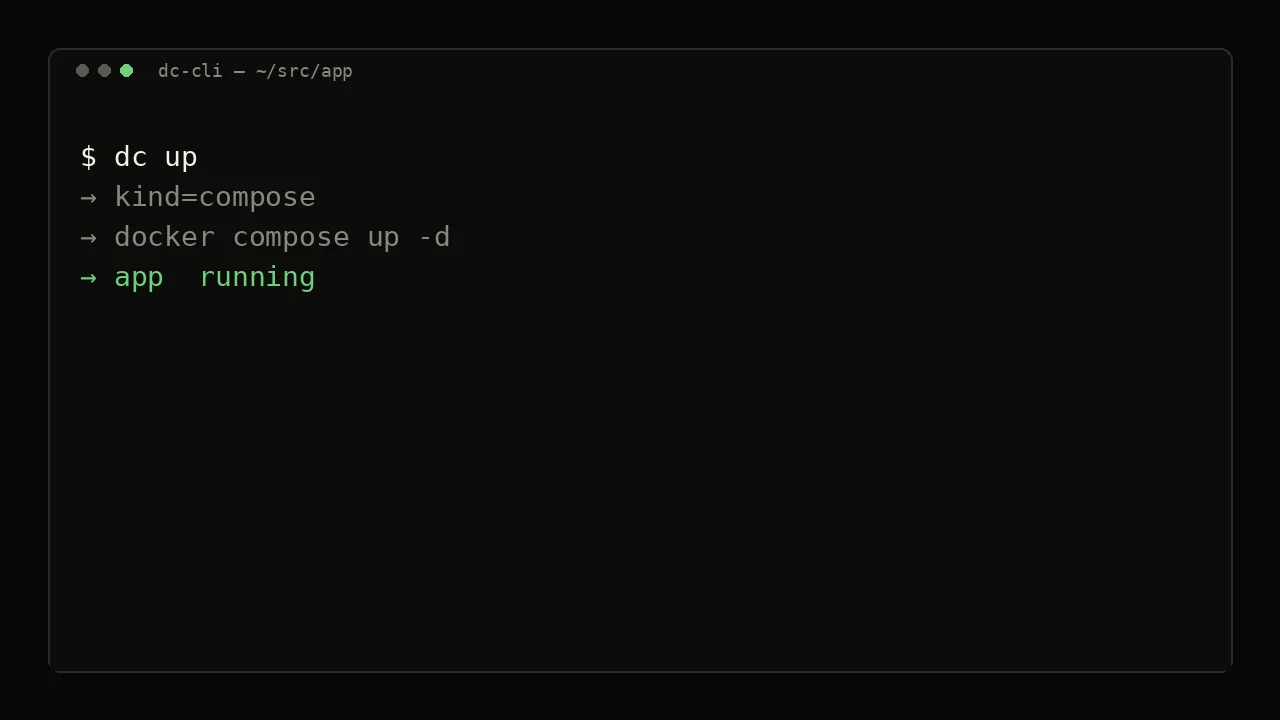
Start this folder.
Run it from the project folder. A .devcontainer starts through the official Dev Containers CLI, then ports are forwarded. A compose-only folder starts through docker compose. Same verb either way.
instead of digging through the VS Code Remote UI
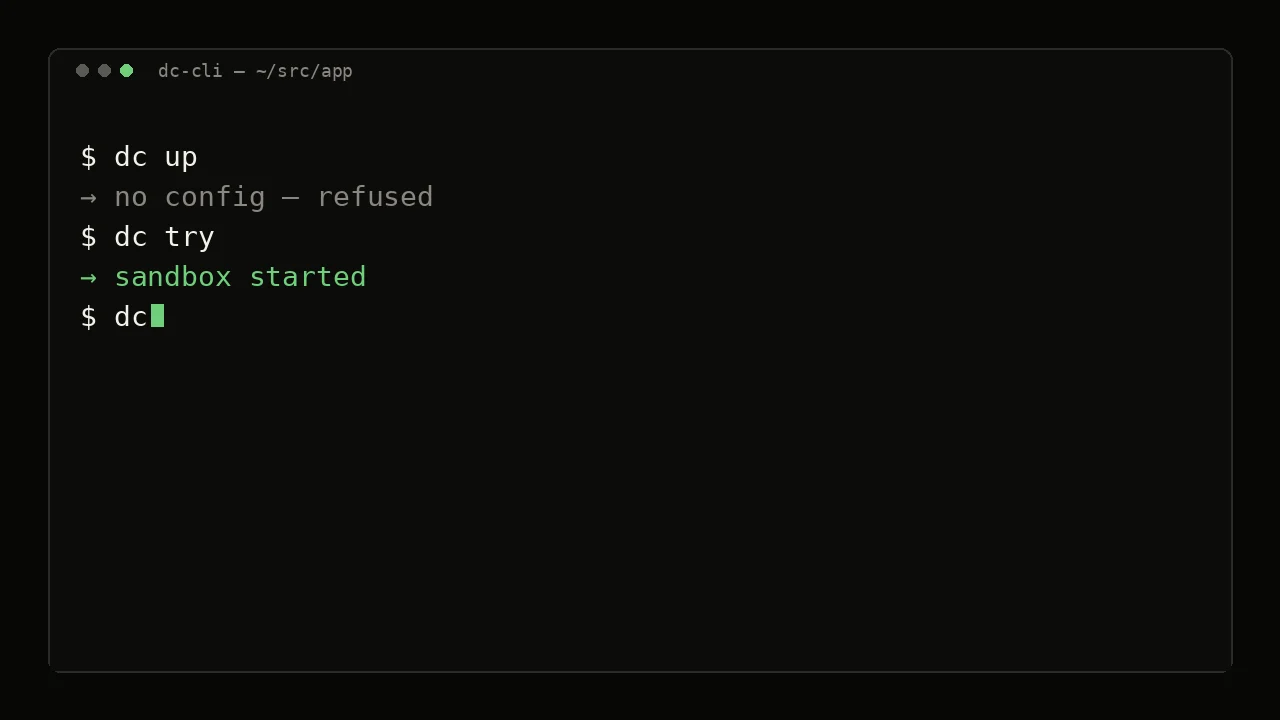
No config? Try a sandbox.
In a folder with no .devcontainer and no root compose file, dc try starts a sandbox from a detected profile (node, python, go, or a generic base) with default localhost ports. The override lives outside the repo, so git status stays clean.
instead of writing a devcontainer.json just to get a shell
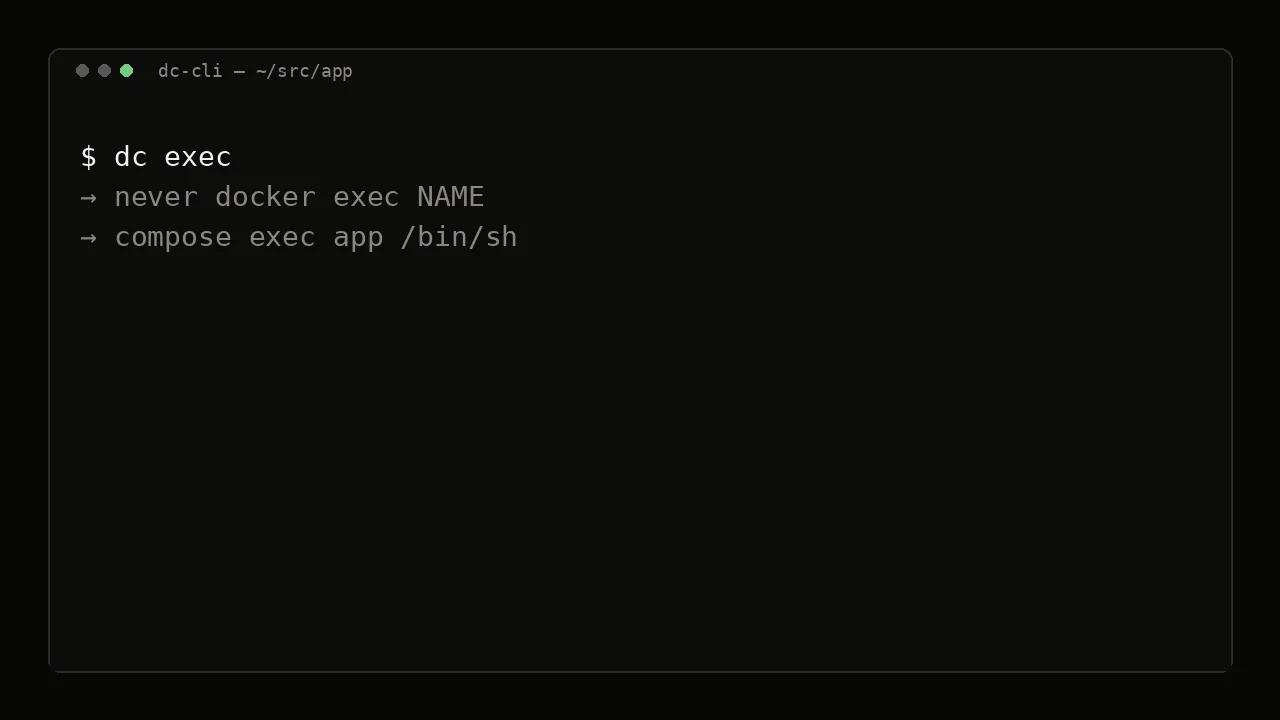
Shell in the app.
Opens a shell in the labeled app container. Use --service NAME for a compose sibling. dc exec --no-start runs a command only when that target is already up, and refuses a stopped or missing container.
instead of remembering raw docker exec names
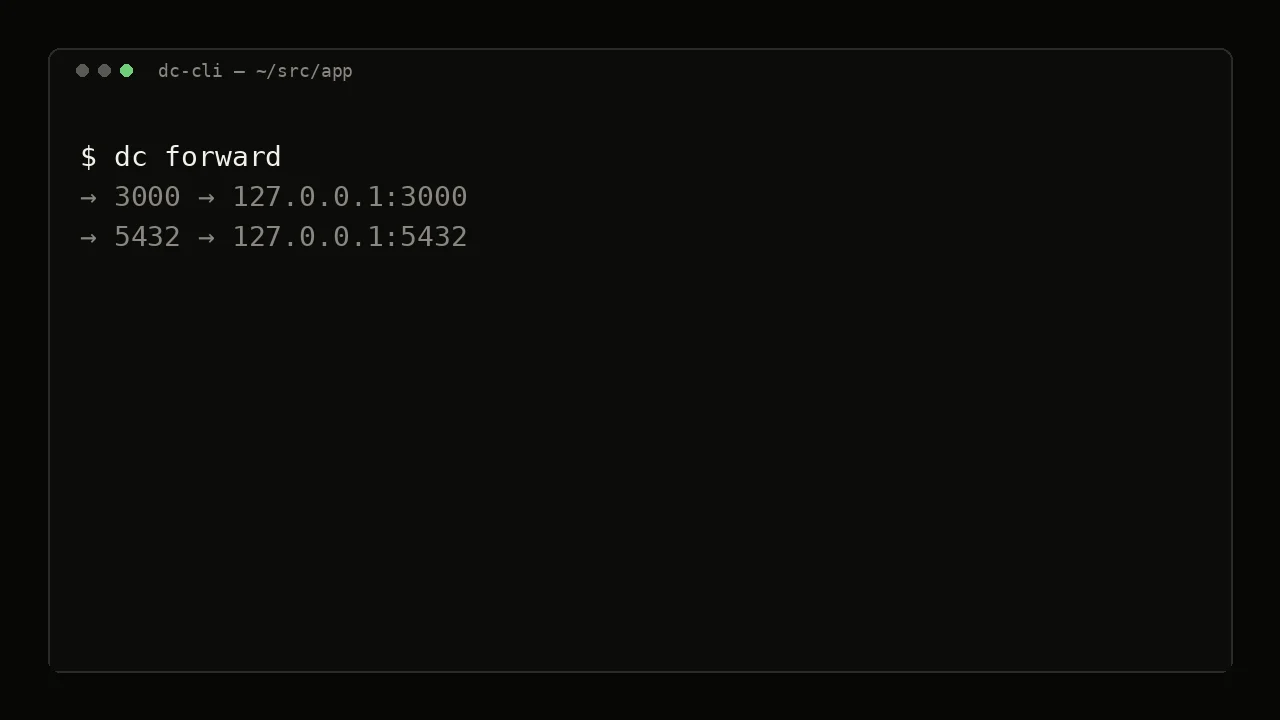
Ports that reach the host.
Colima-safe forwarding through sidecars dc-cli owns. dc up already runs it; run it again when the browser cannot reach the app. Unlabeled port holders are reported, never stopped.
instead of hand-rolling Colima port sidecars
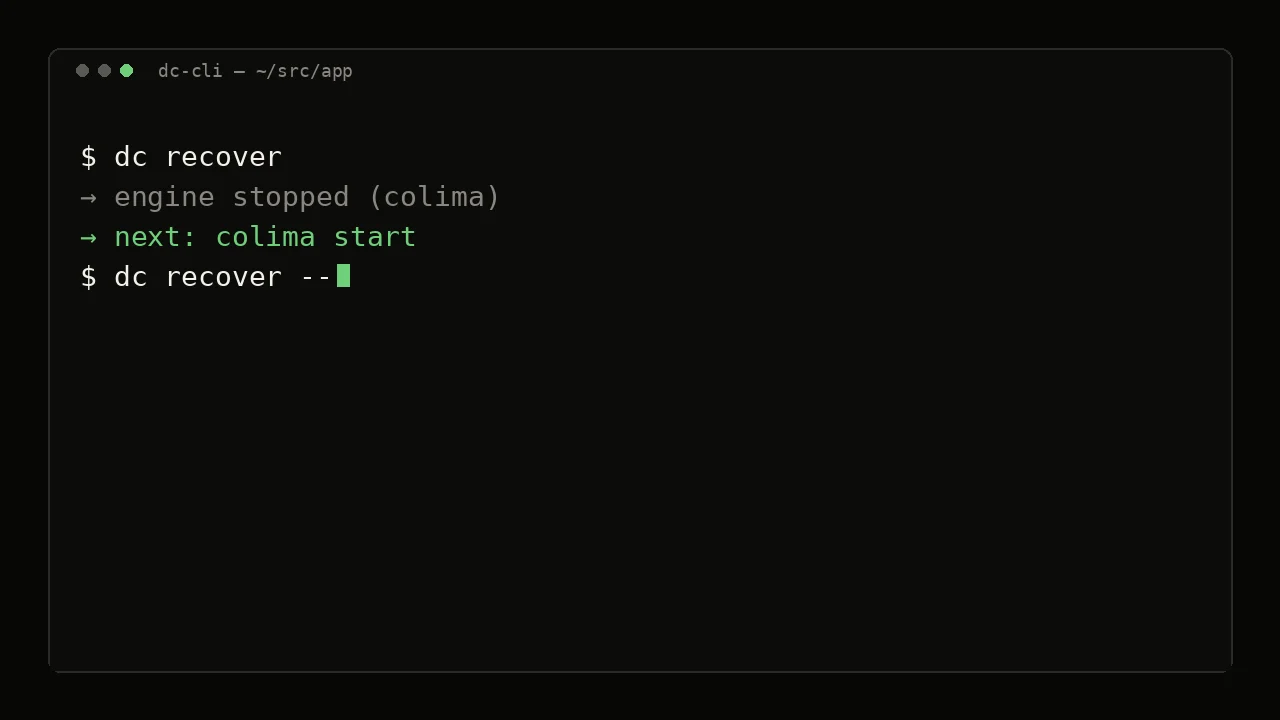
Diagnose, then one next step.
dc doctor is read-only: it checks the engine, socket and workspace without touching Docker or project files. dc recover then names one next step, and --yes applies it when an engine is already installed.
instead of guessing which engine owns this folder
~/src/acme-storefront$dc
The board is the product.
Type dc with no arguments. One screen holds this folder’s services, state, ports and the next keys to press. After a shell or logs, the board comes back so you can press the next one.
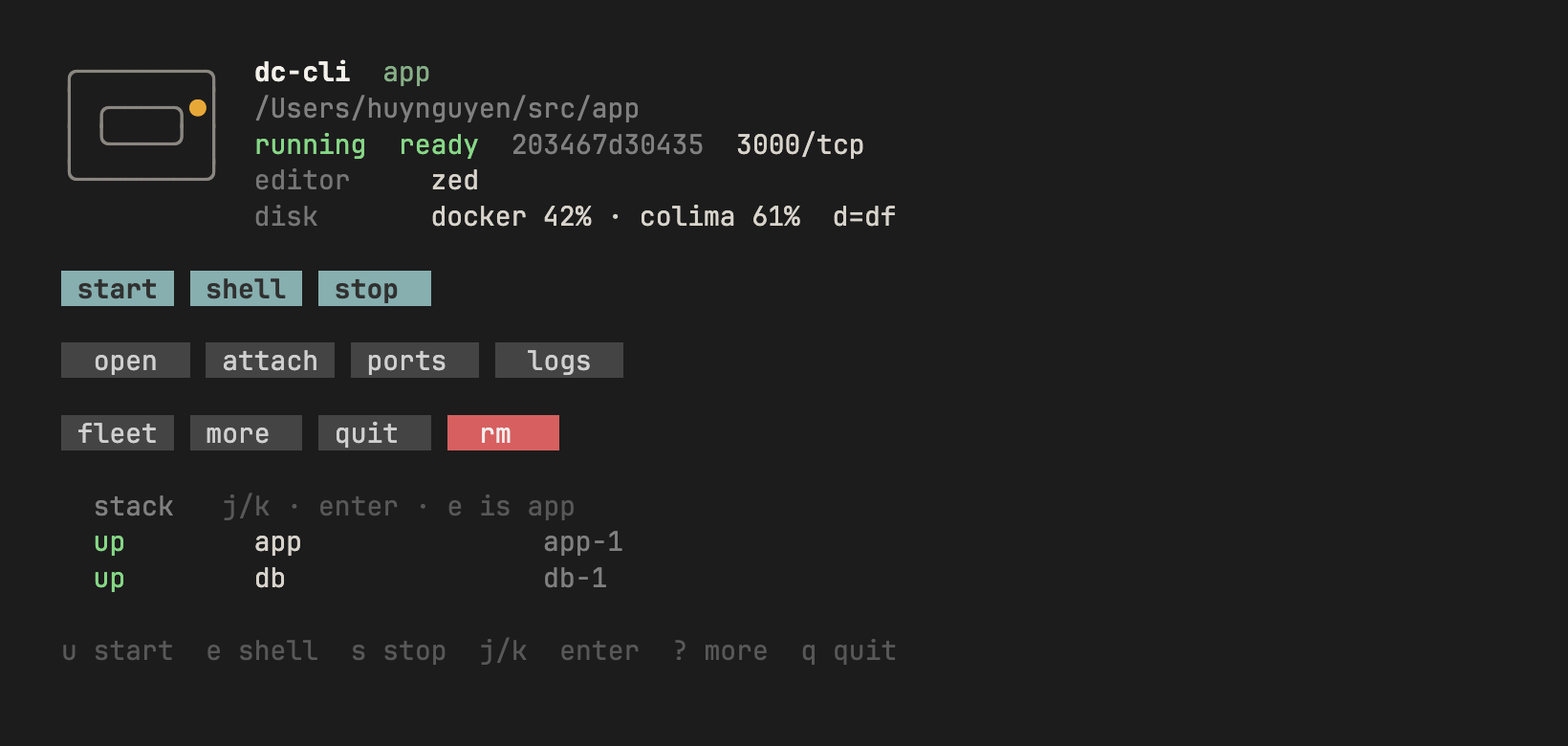
- act
- ustart
- eshell
- sstop
- xremove (asks y/n)
- look
- llogs
- ttop
- nnets
- ddisk
- move
- j kselect a service
- ↵shell into that row
- ffleet
- 1–9open a website port
~/src/app$dcthenwcv
A daily hub, not just a launcher.
Three keys on the installed board turn it into the place your day starts. Each one is explicit about what it touches, and none of them starts a container for you.
- w
workspaces
Every folder you work in, one key away.
Favorites first, then the latest 30 folders this board opened, stopped projects included. Type to filter, Enter to open.
- Opening a folder never starts it
- Works while Docker is down
- ctrl+d forgets the entry; the folder is untouched
dc · w workspacessketch · simplifiedworkspaces filter ▏ favorite ~/src/acme-storefront favorite ~/src/api recent ~/src/docs-site recent ~/scratch/try-goenter open · ctrl+f favorite · ctrl+d forget · esc back - c
pinned actions
The commands you repeat, pinned to the project.
Opt-in and container-only. Your personal actions plus a shared .dc/actions.json, which stays off until you review every command and trust its exact bytes. Any edit turns it off again.
- Runs through dc exec --no-start: nothing is started
- argv runs as-is, no shell
- dc-cli never writes .dc/actions.json
Note Actions run inside your containers and can modify data.
dc · c pinned actionscommands$ dc actions list$ dc actions trust preview every shared command, then y/N$ dc actions run test → dc exec --no-start -- go test ./...# .dc/actions.json{"schemaVersion": 1, "actions": [ {"id": "test", "argv": ["go", "test", "./..."]}]} - v
session activity
What your containers just did.
The latest 200 container events for this folder: created, started, stopped, exited with its code, restarted, removed, out of memory, health. New events refresh the board.
- Memory only; nothing is written to disk
- Only containers proven to belong to this folder
- No env or log text is kept
dc · v session activitysketch · simplifiedactivity ~/src/app latest 200 · memory only10:42:07 app started10:42:09 db health: healthy10:58:31 worker exited (code 1)11:02:15 worker restartedj/k scroll · c clear · esc back
browser$dc# nothing installed
Press the keys before you install.
A running stack, simulated in the page. Try t for top, l for logs,? for more.
The simulation covers the core workflow only: no workspaces, actions or activity./play is the first-run version: no config, thenu → sandbox → shell.
~$install
One curl. Then dc.
Installs release v0.23.0: the dc helpers, the compiled dc-tui anddc-actions, and, with --with-cli, the official standalone Dev Containers CLI if it is missing. Needs bash 4+.
Install guide1 · run the installer
curl -fsSL https://raw.githubusercontent.com/Brasth/dc-cli/main/install.sh | bash -s -- --with-cli2 · reload your shell
source ~/.zshrcorsource ~/.bashrc
3 · open the board in a project
cd ~/src/your-project && dc
or Homebrewbrew tap Brasth/dc-cli && brew install dc-cli
What the installer does and does not do
The curl line installs release v0.23.0: compiled dc-tui anddc-actions. A source install (bash install.sh in a clone) builds both when Go is on PATH. Without Go, dc-tui falls back to the shell menu, and the dc actions shell fallback answers --help and--version; other verbs report that the compiled binary is required.
Docker can be missing at install time: helpers still install and print a readiness block. The installer never installs an engine. npm is used only with an explicit --with-cli-npm.--full also copies the agent skill.
Prefer not to pipe curl? Clone the repo, then run bash install.sh.
~$dc --help
Every verb.
Two spellings, same command: dc up and dc-up. Flags live indc --help.
Task guidesdaily
| Command | What it does |
|---|---|
dcBoard. Same as dc-tui. f is fleet. --all lists labeled workspaces. | Board. Same as dc-tui. f is fleet. --all lists labeled workspaces. |
dc upStart this folder. Same as dc-up. | Start this folder. Same as dc-up. |
dc execShell in the app. Same as dc-exec. --service NAME for siblings. | Shell in the app. Same as dc-exec. --service NAME for siblings. |
dc exec --no-startRun a command only when that target is already up. Refuses a stopped or missing container. Not with --id or --restart. | Run a command only when that target is already up. Refuses a stopped or missing container. Not with --id or --restart. |
dc downStop the stack. Same as dc-down. | Stop the stack. Same as dc-down. |
dc actionsList, trust, or run pinned actions for this folder. Same as dc-actions. Needs the compiled binary. | List, trust, or run pinned actions for this folder. Same as dc-actions. Needs the compiled binary. |
no config
| Command | What it does |
|---|---|
dc trySandbox when there is no config. Default localhost ports. Same as dc-try. | Sandbox when there is no config. Default localhost ports. Same as dc-try. |
when stuck
| Command | What it does |
|---|---|
dc doctorRead-only diagnose. Same as dc-doctor. | Read-only diagnose. Same as dc-doctor. |
dc recoverOne next step. --yes applies it when an engine is already installed. Same as dc-recover. | One next step. --yes applies it when an engine is already installed. Same as dc-recover. |
utilities
| Command | What it does |
|---|---|
dc forwardColima-safe ports. Same as dc-forward. | Colima-safe ports. Same as dc-forward. |
dc dbHost DB client on a declared port. Same as dc-db. | Host DB client on a declared port. Same as dc-db. |
dc filesyazi/nnn in the box. Same as dc-files. | yazi/nnn in the box. Same as dc-files. |
dc dfDisk report. Same as dc-df. | Disk report. Same as dc-df. |
dc pruneSafe reclaim. Dry-run without --yes. Same as dc-prune. | Safe reclaim. Dry-run without --yes. Same as dc-prune. |